Accept Online Payment Through
2checkout with Invoicera
Integrate 2CheckOut. Easy payment for your Clients.

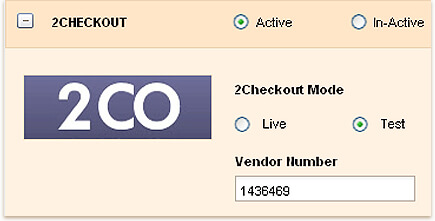
This is another payment gateway 2checkout extension invoice software through which you can handle online payments by your clients. It provides with various functions which enhances your online billing experience with Invoicera. Its diversified features allow you to make or receive payments for your clients and that too in a very simple and handy way.
Start Accepting Payments Now!
Functionality:
2Checkout has been working with over 40 shopping carts which support 15 languages. It also provides you with crucial backend features which you need for a full service solution. Using invoice software with 2checkout integration will allow availing all those necessary elements which are required for making perfect online transactions.