Accept Online Payment Through
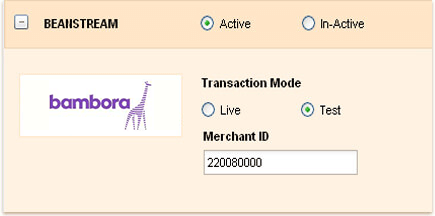
Bambora with Invoicera
Your payments. Your Payment Gateway. Convenience Guaranteed.

Bambora links customers, merchants, and financial institutions and facilitates electronic transactions. Bambora provides credit card processing, recurring billing, electronic funds transfer, automated clearing house payment processing and authentication services, along with routing of selected transactions to third party processors and banks for authorization and settlement and check recovery services . Bambora also provide a suite of tools to help in the identification and reduction of online fraud.
Start Accepting Payments Now!
Functionality:
When your clients will open their respective invoice, they will find an option for entering their credit card details in Invoicera in order to complete their payments. The billing software with Bambora integration: Invoicera then asks Bambora.com to process the credit card payments after which the invoice is marked as "paid".