

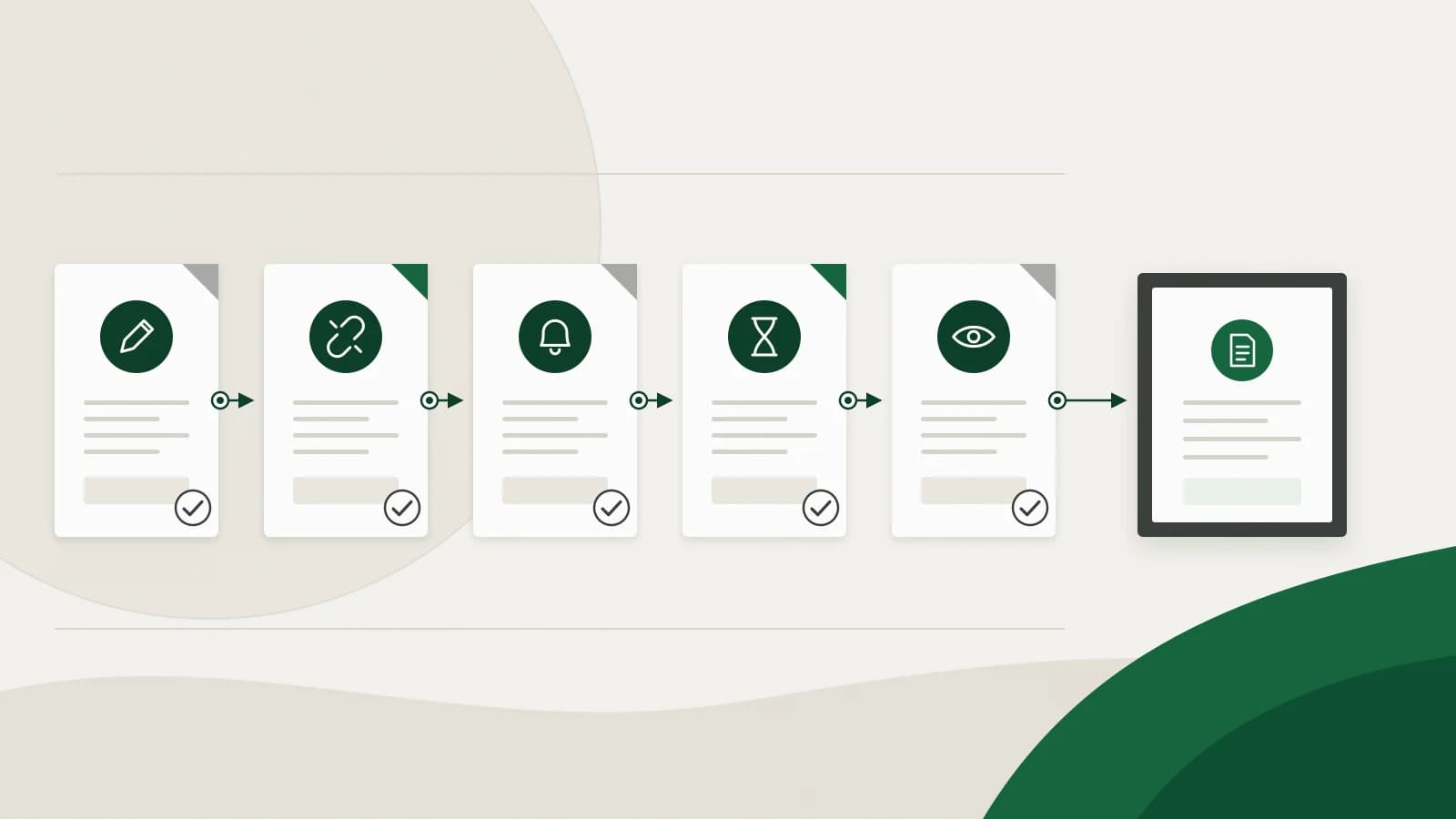
Winning bigger projects should mean more revenue, not more billing work. But as projects multiply, billing gets harder. Hours sit in spreadsheets, milestone invoices go out late, approvals hold up collections, and finance struggles to see what is actually outstanding. A few manual workarounds quietly become a real project billing problem.
The five project billing problems below are the ones growing service businesses meet most often. Each comes with what it looks like, what fixes it, and how project billing software such as Invoicera handles it.
| Problem | What it looks like | The fix |
|---|---|---|
| 1. Manual billing errors | Missed hours, wrong rates, a milestone never invoiced | Invoices generated from timesheets, milestones and schedules |
| 2. Disconnected billing processes | Project data, invoices and payments in different tools | One billing workflow with project data, time, expenses and invoices together |
| 3. Inconsistent payment follow-up | Reminders depend on someone remembering | Scheduled reminder sequences and an aging view |
| 4. Approval bottlenecks | Invoices wait days for sign-off | Approval chains by type, amount or entity, with escalation |
| 5. No clear billing picture | Nobody can say what is late or unbilled | Aging, unbilled time and project reports in one place |
Problem 1: Manual billing errors
When invoices are prepared by hand, something eventually gets missed. Contracts, projects and retainers each add their own rules, and one missed invoice or wrong rate can take a noticeable bite out of a project's margin. These billing errors rarely come from carelessness. They come from too many manual steps.
The fix: generate invoices from the work itself. In Invoicera you can:
- create invoices from approved timesheets, completed project milestones or recurring schedules for retainers and contracts, set weekly, monthly, quarterly or annually;
- bill fixed-fee, time-and-materials and milestone work, with rates that vary by role or task;
- send invoices through a defined approval step before they reach the client;
- sync approved invoices and payments one way to QuickBooks or Xero, so the ledger matches without re-keying.
Result: fewer manual steps between the work and the invoice, so fewer places for an error to start.
Problem 2: Disconnected billing processes
Project details live in one tool, invoices in another and payment information somewhere else. The team spends its time switching between systems, checking figures and chasing missing information before an invoice can go out.
The fix: bring billing work into one place. With Invoicera you can:
- keep projects, timesheets, billable expenses and invoices together;
- set billing rules and approval steps that match how your business works;
- track what each client owes, invoice by invoice;
- see reports for each entity or consolidated across entities if you bill through more than one company.
Result: less time moving between tools and more control over each invoice. Our guide to project billing handoffs shows where the gaps usually open.
Problem 3: Inconsistent payment follow-up
When collections depend on someone remembering, payments slip. The team spends hours sending reminders and tracking down money it is owed, and cash flow suffers. Late payment is common: 59% of small businesses surveyed by Intuit QuickBooks in July 2026 said they wait more than 30 days for invoices to be paid.
The fix: put reminders on a schedule and watch status in one place. Invoicera lets you:
- set automated payment reminders before the due date, on it and after it;
- escalate unpaid invoices automatically;
- see invoice status, part-payments and overdue amounts in an aging report;
- let clients view and pay invoices online through a client portal, and add late fees where your terms allow them.
Result: follow-up that happens every time, without a person having to start it.
Problem 4: Approval bottlenecks
As teams grow, invoices need sign-off from project managers, account owners or finance leads, and sometimes the client. Every extra layer can hold revenue up. Delays are widespread: nearly nine in ten Indian firms report overdue B2B invoices, according to Atradius's 2026 Payment Practices Barometer for India.
The fix: keep approvals moving with defined routes. Invoicera lets you:
- set approval chains by invoice type, amount, entity or role;
- route each invoice to the right approver automatically;
- use escalation paths and delegation so an absent approver does not stall the invoice;
- see which invoices are waiting and with whom.
Result: set the chains up once and let invoices move through them. Why invoice approvals stall covers the common causes in more depth.
Problem 5: No clear billing picture
When billing data is scattered, finance cannot see the whole story. Which invoices are late? Where are payments stuck? What work has been done but not billed? These questions should have quick answers.
The fix: see billing health at a glance:
- track overdue amounts by age with aging reports;
- see unbilled time before the billing run, not after;
- report by client, project and period, for each entity or across all of them;
- see how collections and approvals are performing.
Result: problems show up while there is still time to act on them.
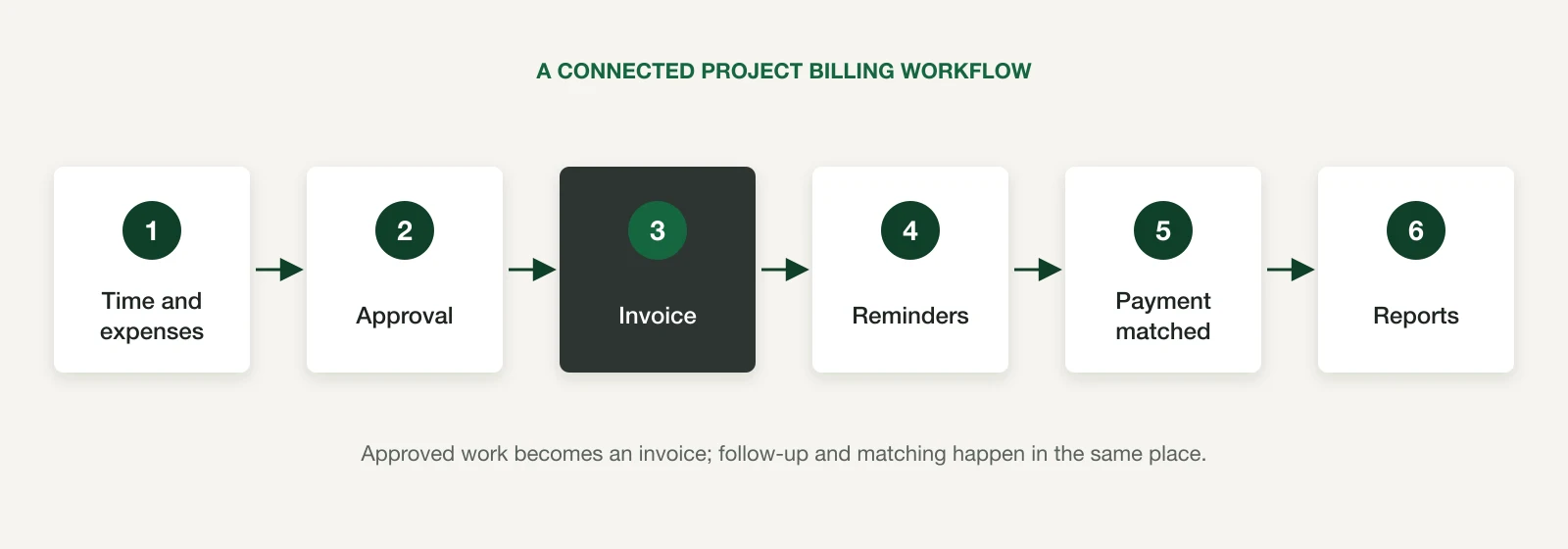
Turn billing into a growth engine
Billing has a direct effect on the bottom line. Every missed invoice, delayed payment and blind spot puts revenue at risk. Invoicera gives you control of billing without changing your whole finance stack. It is a billing operations platform rather than a simple invoice tool: approvals, tracking, reporting and follow-up sit in one workflow, and it works alongside QuickBooks and Xero.
Conclusion
As businesses grow, project billing problems can turn into revenue leaks. Manual errors, approval delays, inconsistent follow-up and limited visibility slow cash flow and add administrative work. The right project-based billing software connects project data, invoicing, approvals, payments and reporting in one workflow. With Invoicera, growing businesses can run billing as a predictable process. Book a demo with one of your own difficult billing cases, or start with the 7-day free trial.
Frequently asked questions
What are the most common project billing problems?
Manual billing errors, disconnected tools, inconsistent payment follow-up, slow invoice approvals and poor visibility of what is overdue or unbilled. Most come from too many manual steps between the work and the invoice.
Can Invoicera handle my billing model?
Invoicera supports fixed-fee, time-and-materials, milestone, retainer, recurring and usage-based billing, and rule-based billing for projects that mix them. A demo with your own cases is the quickest way to confirm the fit.
How does Invoicera speed up collections?
With scheduled payment reminders, automatic escalation, online payment through the client portal and configurable late fees. It cannot promise when a client pays, but it makes sure follow-up always happens.
Does Invoicera work with my accounting system?
Invoicera works alongside QuickBooks and Xero. Approved invoices and payments sync one way to your accounting system, which stays the ledger.
How does Invoicera improve billing visibility?
Aging reports, unbilled time, project and client reports, and consolidated views across entities show what is late, stuck or still to be billed.
Evidence
Sources and scope
- Atradius: B2B payment practices trends in India 2026
Supports the statement that nearly nine in ten Indian firms report overdue B2B invoices (Atradius Payment Practices Barometer, July 2026).
- Intuit QuickBooks: Small Business Insights
Supports the statement that 59% of surveyed small businesses wait more than 30 days to be paid (July 2026 survey wave: US, Canada, UK and Australia).
- Invoicera project-based billing
Supports timesheet, milestone, fixed-fee and time-and-materials billing and approvals before invoicing.
Continue in context