

GST invoicing · India
Keep GST invoice details attached to the billing record.
Create GST-compliant invoices and use IRP-connected e-invoicing for India-registered entities without rebuilding each document.
7-day free trial, no card needed.Invoicera supports GST-compliant invoicing and IRP-connected e-invoicing for India-registered entities. Finance can retain GSTIN details, place of supply, tax profiles, invoice numbering and required line information with the billing record, then use the configured process to create and send outgoing invoices.
Recognise the work
GST accuracy depends on the transaction context - not a tax rate alone.
The issuing entity, recipient, place of supply, item classification and applicable rule all shape the final invoice.
Calculate a straightforward amount with the GST calculator.
- 01
Entity details are copied
GSTIN, address and numbering are re-entered instead of coming from the issuing entity.
- 02
Classification is inconsistent
Line descriptions and HSN or service classifications change between records.
- 03
IRN status sits elsewhere
The invoice and its e-invoicing state are checked in separate places.
How it works
Configure. Validate. Generate. Retain the status.
A controlled GST invoice keeps commercial and statutory details connected to the same outgoing record.
Use the required field structure in the GST invoice format.
- 01
Apply entity and tax details
Use the relevant GSTIN, place of supply, tax profile, numbering and line classification.
- 02
Review before submission
Check the recipient, taxable values and required fields before the invoice reaches the IRP-connected step.
- 03
Retain the resulting state
Keep invoice, IRN and later billing status connected for operational follow-through.
A practical decision rule
Treat compliance as a scoped configuration.
Rules belong to the India-registered entity and transaction; they should not be generalised across markets.
Understand product classification through HSN codes.
Worked example
A GST invoice checked before the IRP-connected step
- Taxable value
- ₹100,000
- Configured GST
- 18%
- GST amount
- ₹18,000
- Invoice total
- ₹118,000
Industries
Billing by industry.
Explore billing by industry.
View all industries
Professional services
Control retainers, approved time, project work and client review before the invoice leaves finance.
View industry →
SaaS
Keep recurring periods, entered or imported quantities and renewal billing decisions visible.
View industry →
Construction
Turn accepted milestones, change orders and project billing checkpoints into controlled invoices.
View industry →
Logistics
Connect service records, rates, accessorial charges and customer requirements to outgoing billing.
View industry →
Legal
Keep the fee arrangement, reviewer and receivable path connected to the outgoing invoice.
View industry →Blog
Relevant reading for this decision.
Explore billing decisions.
View more articles
Billing operations · Sep 9, 2026
Zoho Billing vs Invoicera: Which Fits Growing Businesses?
Read article →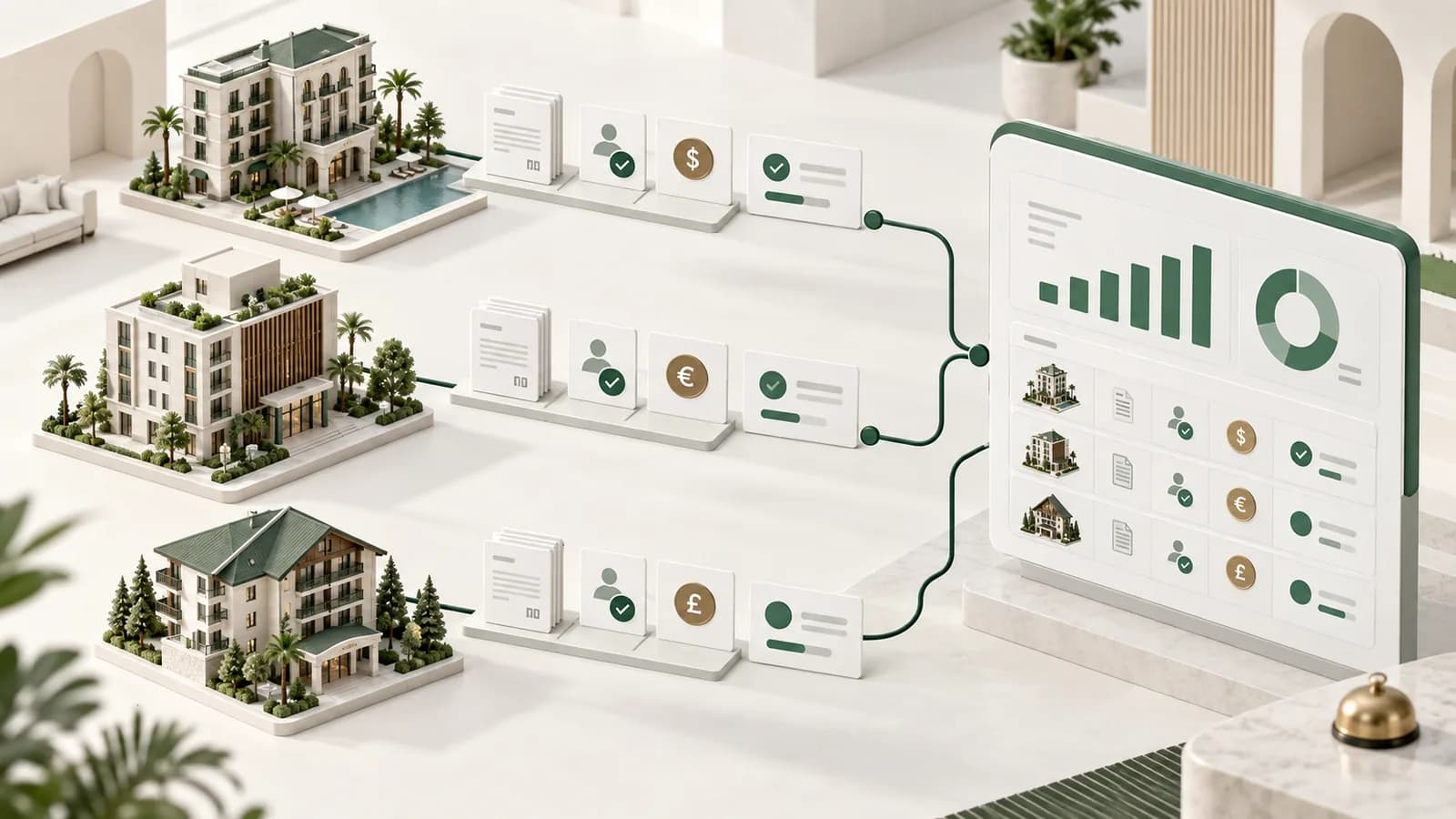
Billing operations · Sep 7, 2026
Hotel Group Billing: How to Control Multiple Properties and Billing Flows
Read article →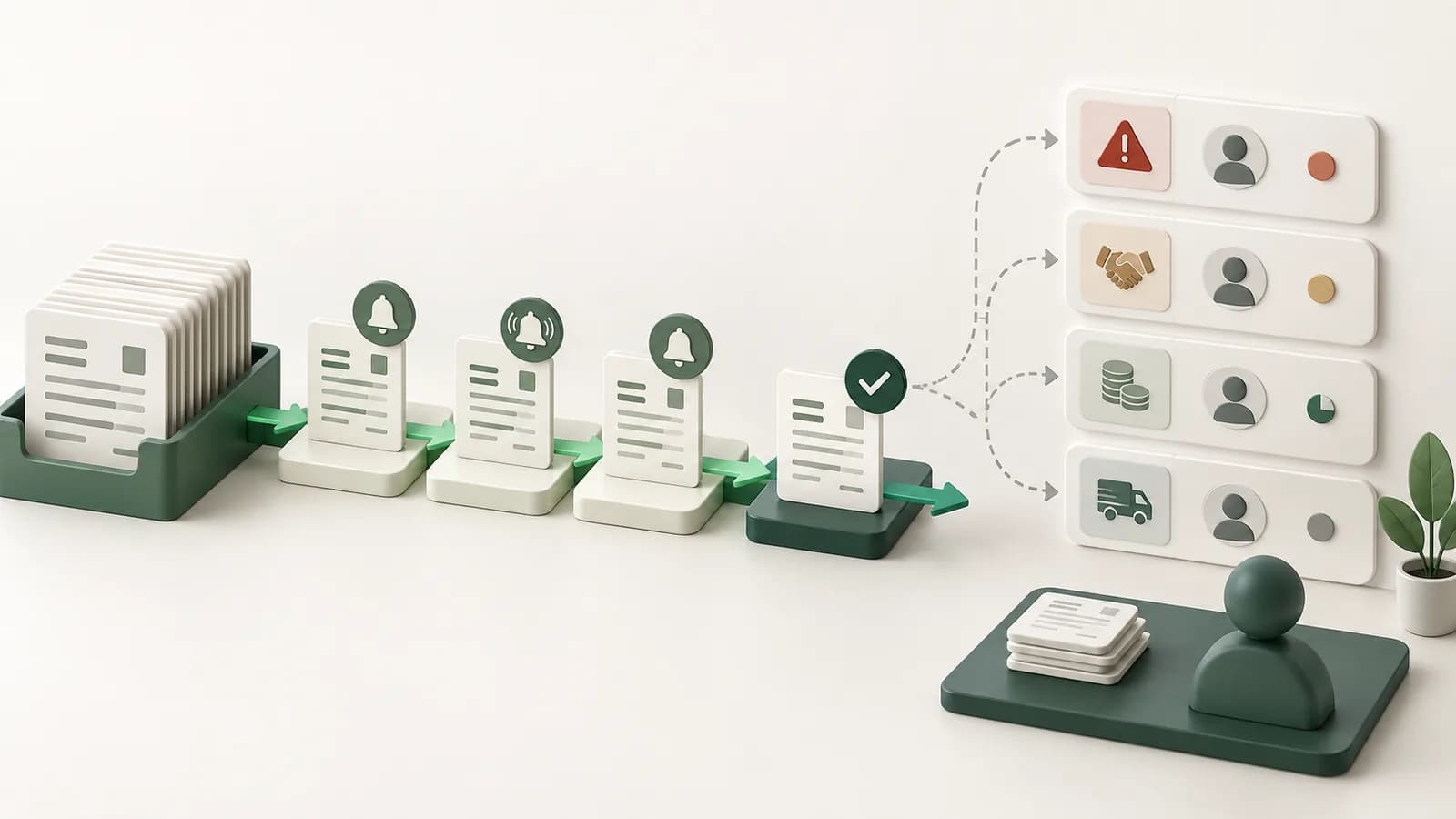
Billing operations · Sep 3, 2026
How Finance Teams Cut Billing Follow-Up Without Losing Control
Read article →Customer perspective
What customers say about working with Invoicera.
My contractor business moved away from a manual invoicing process. Invoicera made invoicing simpler, which leaves me more time to help clients.
Late payments made cash flow difficult to manage. Invoicera gives me notifications when clients have not paid, so I can respond and keep the business moving.
Invoicera has streamlined our billing operations and helped us reduce manual effort. We particularly value its automation, ease of use, and professional invoicing experience. It’s a great solution for growing businesses, and we’re happy to recommend it.
 Joel FernandezHumigyFounder
Questions buyers ask
Know where this fits.
Each answer stands on its own, including the boundary of what Invoicera does and does not do.
Does Invoicera support GST invoicing in India?
Yes. Invoicera supports GST-compliant invoicing for India-registered entities, including entity-specific GST details, tax configuration and invoice fields. The business remains responsible for correct classification, rate, place of supply and current regulatory applicability. Confirm those details against current official guidance and the facts of the transaction before issuing the final invoice.
Does Invoicera support e-invoicing through an IRP-connected process?
Yes. Invoicera supports IRP-connected e-invoicing for India-registered entities. Applicability depends on the current mandate, taxpayer and transaction, so the issuing business should confirm the official position and its own registration status. The configured workflow supports the reporting step but does not replace that legal applicability assessment or responsibility for accurate source data.
What changed for IRP reporting from 1 April 2025?
GSTN advisories introduced a 30-day reporting restriction for taxpayers with annual aggregate turnover of ₹10 crore or more from 1 April 2025. The restriction affects how long eligible taxpayers have to report covered documents to the IRP. Because rules and advisories can change, confirm the current official position before relying on a reporting deadline.
Does the GST calculator decide the correct tax treatment?
No. It calculates arithmetic from the amount, rate and supply type entered. It does not classify the supply or determine whether a particular rate, exemption or place-of-supply rule applies. Confirm the classification and treatment from current official guidance or a qualified adviser before using the result on a tax invoice or return.
Can each legal entity retain its own GST details?
Yes. Multi-entity billing can keep entity-specific tax profiles, numbering and access attached to the relevant billing operation while retaining group visibility where configured. Finance should still confirm the correct issuing entity, GSTIN, place of supply and classification for each transaction rather than applying one group-level tax treatment to every invoice.
Start with the real billing case
Bring the schedule, exception or approval that is hardest to control.
See how Invoicera would run it without moving the ledger out of the system your finance team already uses.
Book a Demo