

Billing automation
Automate the rule. Keep the exception visible.
Run agreed billing schedules consistently while people retain control of changes, reviews and unresolved items.
7-day free trial, no card needed.Billing automation applies agreed schedules, terms and routing to outgoing invoices so repeatable work does not need to be rebuilt every cycle. Invoicera can run recurring and contract-linked billing, route invoices through approval and carry reminders forward. It does not remove human decisions from exceptions or perform accounts-payable document capture.
Recognise the work
The schedule runs, but the decision still lives in someone’s inbox.
A repeatable charge can be automated only after its amount, timing, effective dates and review rule are clear. The useful system keeps routine work moving and isolates the few records that genuinely need a person.
Place the rule inside the wider billing operation.
- 01
Every cycle begins with a copied sheet
The same dates, terms and customer rules are rebuilt even though the commercial agreement has not changed.
- 02
A change silently alters the next run
A revised amount or end date reaches finance without an effective period or accountable reviewer.
- 03
Automation and exception share one queue
Routine invoices wait behind disputes or unusual charges because their states are not separated.
How it works
Turn a commercial rule into a controlled billing run.
The schedule handles repetition. Effective dates, approval rules and exception ownership keep the output explainable.
Use recurring billing when cadence and contract dates own the decision.
- 01
Configure
Record the customer, amount or rate, cadence, start and end rules, currency and entity that govern the outgoing invoice.
- 02
Review the run
Let routine records follow their rule while changed amounts, missing inputs or threshold cases move to the right reviewer.
- 03
Carry the receivable forward
Send the approved invoice, retain its status and continue into reminders, collections and payment matching.
AI-assisted control
Organise incoming activity before the billing rule runs.
Prepare routine billing inputs faster while keeping the source, billable-status check and commercial treatment visible.
Explore AI-assisted activity categorisation- 01Available workflow
Categorise incoming activity
Sort incoming billing activity before preparation while its source remains available for review.
Human decision retained. A suggested category does not decide billability, choose a rate or release an invoice.
A practical decision rule
Automate when the rule is stable; route when the fact changed.
The automation boundary is not invoice value alone. A familiar amount with changed terms still needs review, while a high-value scheduled charge can remain routine under an approved rule.
Connect outgoing review through the invoice approval path.
Worked example
One monthly run with a single controlled exception
- Scheduled retainer
- $12,000
- Approved support units
- 18 × $140 = $2,520
- Routine outgoing total
- $14,520
- Changed pass-through charge
- $860 · held for review
Industries
Billing by industry.
Explore billing by industry.
View all industries
Professional services
Control retainers, approved time, project work and client review before the invoice leaves finance.
View industry →
SaaS
Keep recurring periods, entered or imported quantities and renewal billing decisions visible.
View industry →
Construction
Turn accepted milestones, change orders and project billing checkpoints into controlled invoices.
View industry →
Logistics
Connect service records, rates, accessorial charges and customer requirements to outgoing billing.
View industry →
Legal
Keep the fee arrangement, reviewer and receivable path connected to the outgoing invoice.
View industry →Blog
Relevant reading for this decision.
Explore billing decisions.
View more articles
Billing operations · Sep 9, 2026
Zoho Billing vs Invoicera: Which Fits Growing Businesses?
Read article →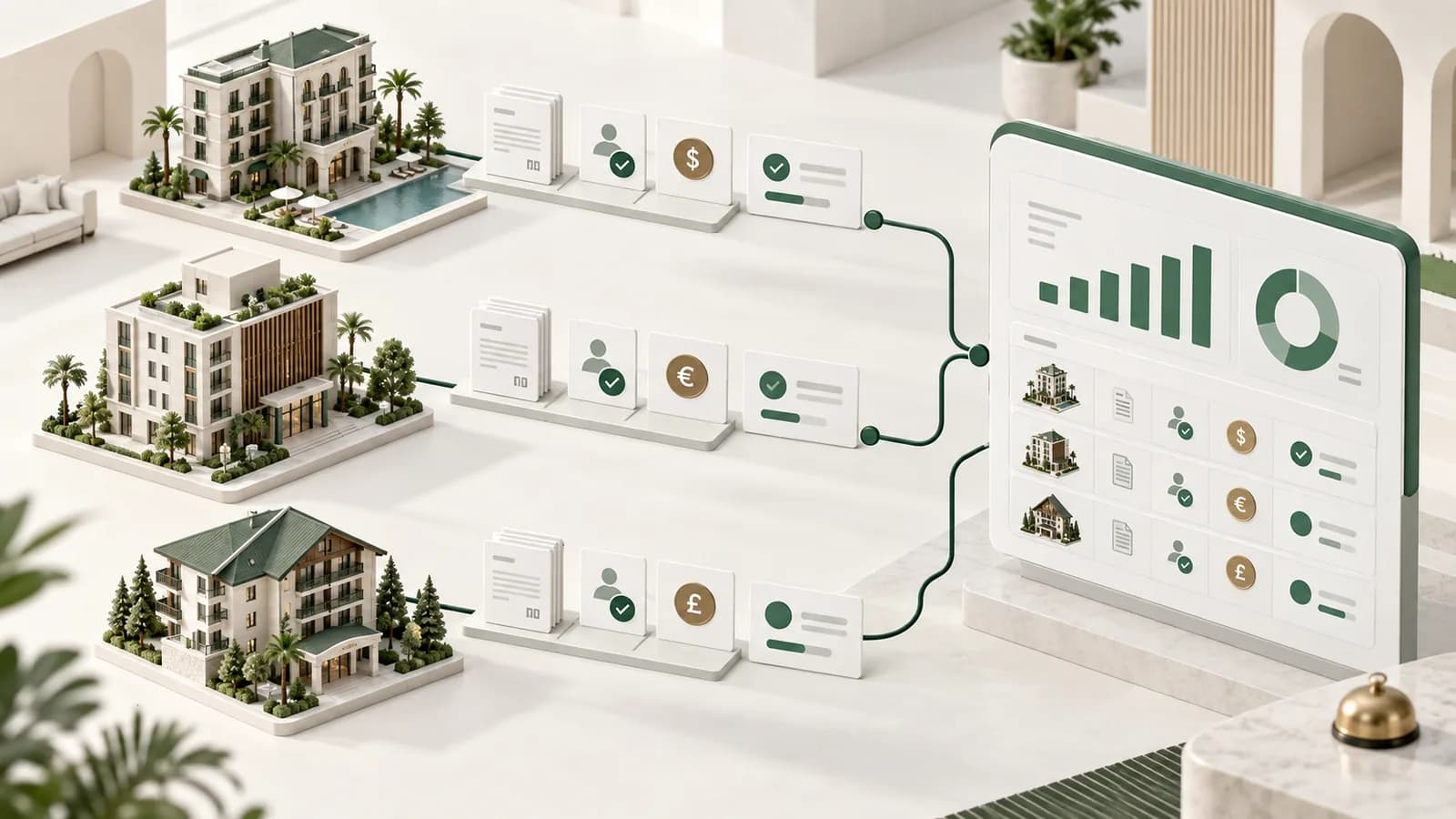
Billing operations · Sep 7, 2026
Hotel Group Billing: How to Control Multiple Properties and Billing Flows
Read article →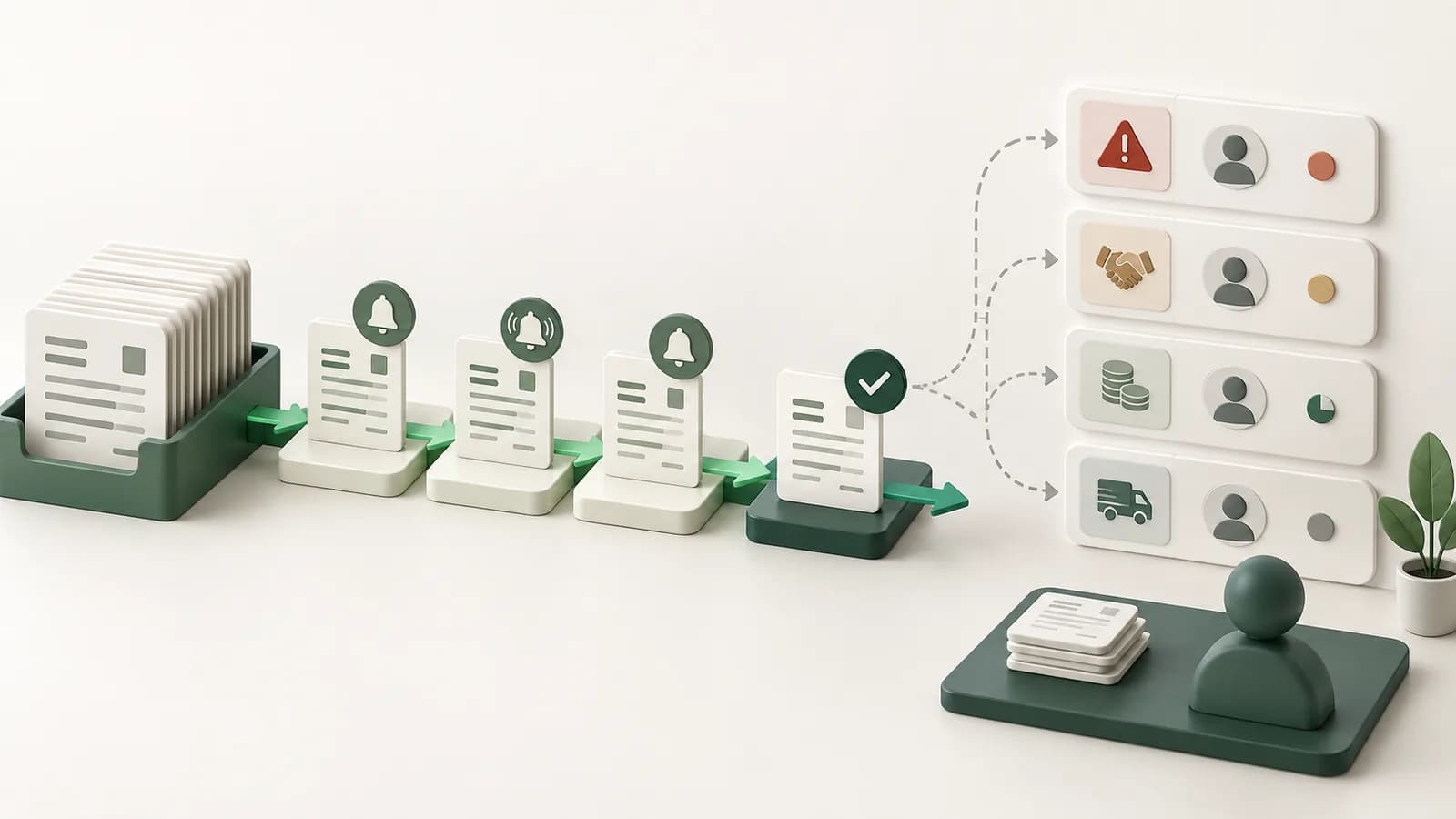
Billing operations · Sep 3, 2026
How Finance Teams Cut Billing Follow-Up Without Losing Control
Read article →Customer perspective
What customers say about working with Invoicera.
My contractor business moved away from a manual invoicing process. Invoicera made invoicing simpler, which leaves me more time to help clients.
Late payments made cash flow difficult to manage. Invoicera gives me notifications when clients have not paid, so I can respond and keep the business moving.
Invoicera has streamlined our billing operations and helped us reduce manual effort. We particularly value its automation, ease of use, and professional invoicing experience. It’s a great solution for growing businesses, and we’re happy to recommend it.
 Joel FernandezHumigyFounder
Questions buyers ask
Know where this fits.
Each answer stands on its own, including the boundary of what Invoicera does and does not do.
What does billing automation automate in Invoicera?
Billing automation can apply configured recurring or contract-linked schedules, prepare outgoing invoices from agreed terms, route them through approval and continue approved receivables into reminder workflows. It reduces repeat setup. It does not make commercial changes on its own, capture supplier bills, perform bookkeeping or remove the need to review missing inputs, changed terms and customer exceptions.
Is billing automation the same as recurring billing?
No. Recurring billing owns the cadence, contract period and repeated charge. Billing automation is broader: it also describes how agreed rules prepare work, route an outgoing invoice for review and hand the approved record into delivery and receivable follow-up. A recurring schedule can be one automated input, but the operation still needs exception and approval decisions around it.
When should an automated billing run stop for review?
Pause when a material fact differs from the approved rule: the amount, rate, quantity source, currency, entity, tax treatment, effective date or customer term changed; a required input is missing; or an approval threshold applies. The system should isolate that record with an owner and reason rather than silently applying an old rule or stopping every routine invoice.
Can Invoicera automate supplier invoices or vendor-bill approval?
No. The scope here is outgoing customer billing. Invoicera can prepare and route invoices that your business sends, then support the resulting receivable. It is not a supplier-bill capture, OCR, procurement or accounts-payable approval product. That boundary matters because the source records, responsible teams and financial controls on incoming bills are different.
How should a team measure whether billing automation is working?
Measure the operation rather than inventing a headline percentage. Track how many scheduled records ran without rework, how many paused for a documented exception, how long approval took, which inputs were repeatedly missing and whether approved invoices reached the correct receivable path. Keep the baseline, observation period, formula and source owner with every reported result.
Start with the real billing case
Bring the schedule, exception or approval that is hardest to control.
See how Invoicera would run it without moving the ledger out of the system your finance team already uses.
Book a Demo